Vatech EzDent-i and alpinDent: the patient in your X-ray software with one click
Taking X-rays on a Vatech unit? Until now you entered every patient twice, once in your practice software and once in EzDent-i. From now on you enter them once, and the image always lands in the right record.
What EzDent-i is
EzDent-i is Vatech's software for digital X-ray imaging. It captures and displays panoramic (OPG), cephalometric and intraoral images, and CBCT scans together with Ez3D-i. It keeps its own patient database on the practice PC, so every patient has to exist there too before an image can be taken.
In practice that means double entry. First name, last name, date of birth and social security number are typed once into the practice software and once more into EzDent-i. One wrong letter and the image lands in the wrong record, or the same patient ends up with two records.
How the integration works
The patient page in alpinDent gets an EzDent-i button. One click opens EzDent-i with that patient. If the patient already exists in EzDent-i, their record opens. If not, EzDent-i creates it with the data from alpinDent.
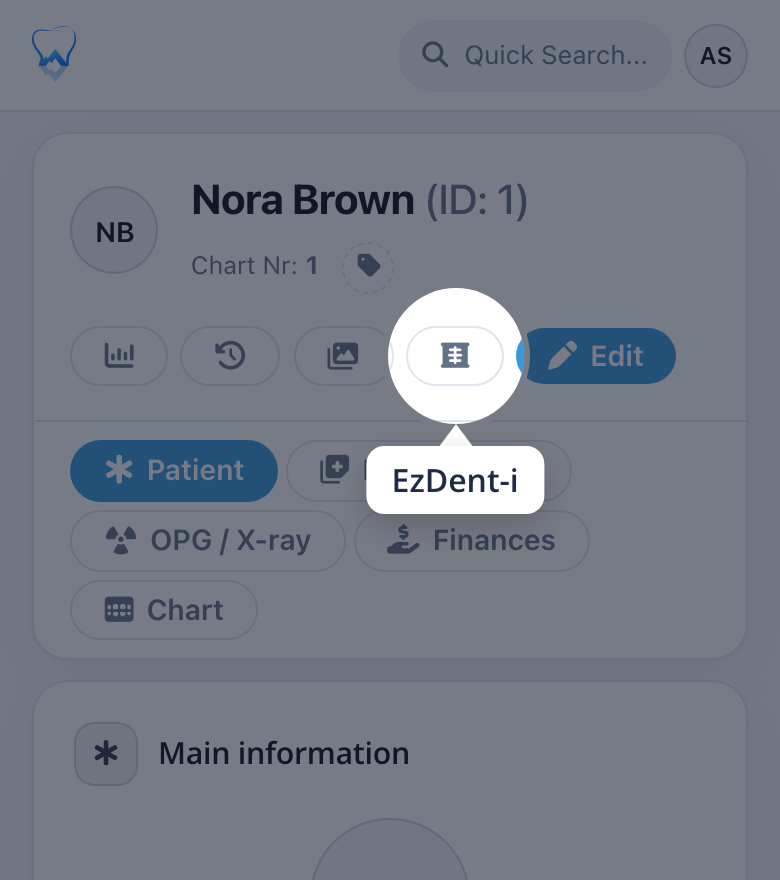
The basic patient data is passed on:
- first name and last name,
- date of birth and gender,
- social security number (the AHV number in Switzerland),
- phone number and address,
- the alpinDent chart number, as a note on the patient.
EzDent-i keeps the patient under alpinDent's internal number, so the same patient always ends up in the same record, even after a change of last name or phone number. The transfer goes one way, from alpinDent to EzDent-i. The images stay in EzDent-i, as before.
Setup
Switching it on takes a few minutes. We enable the module for your practice, and a small helper is installed once on the PC next to the X-ray unit. From then on the button works on every patient page. Nothing changes in EzDent-i itself.
Where the data goes
The patient data goes from your browser straight into EzDent-i on the same PC. The helper only hands it to EzDent-i and launches the program. Nothing is sent to third parties and nothing leaves the computer.